Skins
The timer and the clock each keep their own skins.
Timer scenes
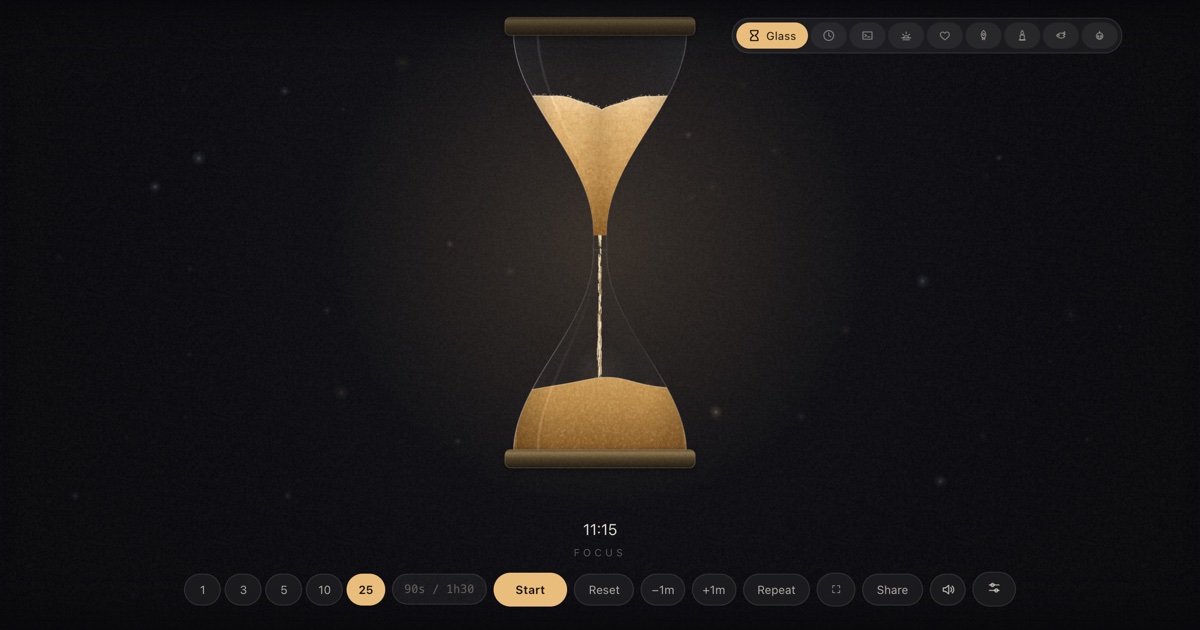
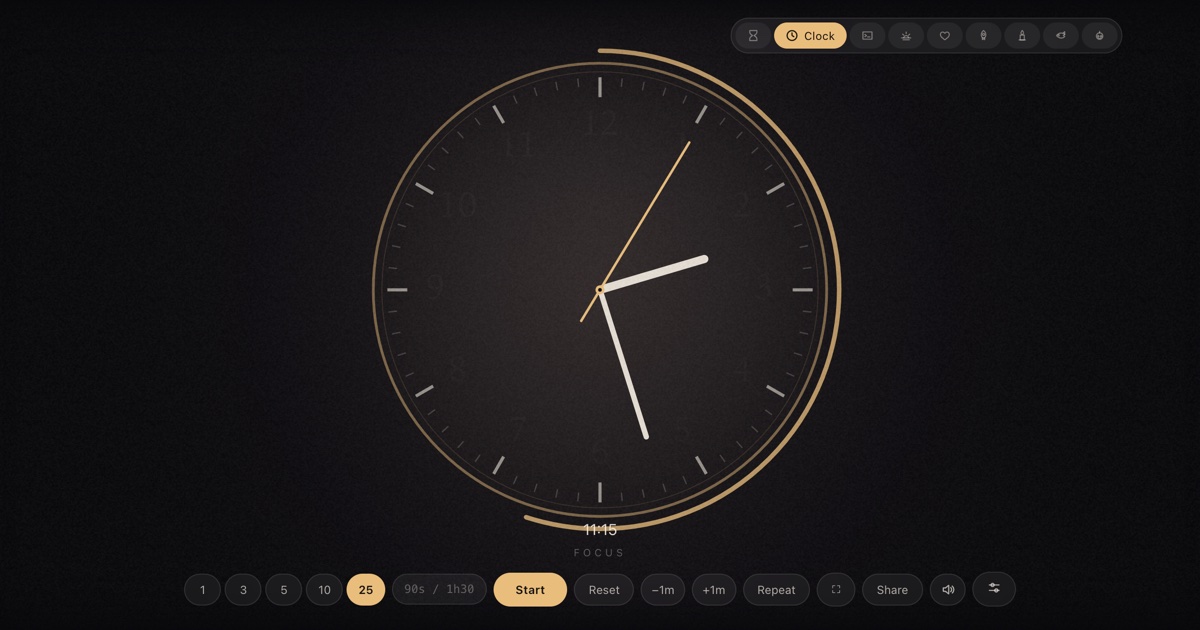
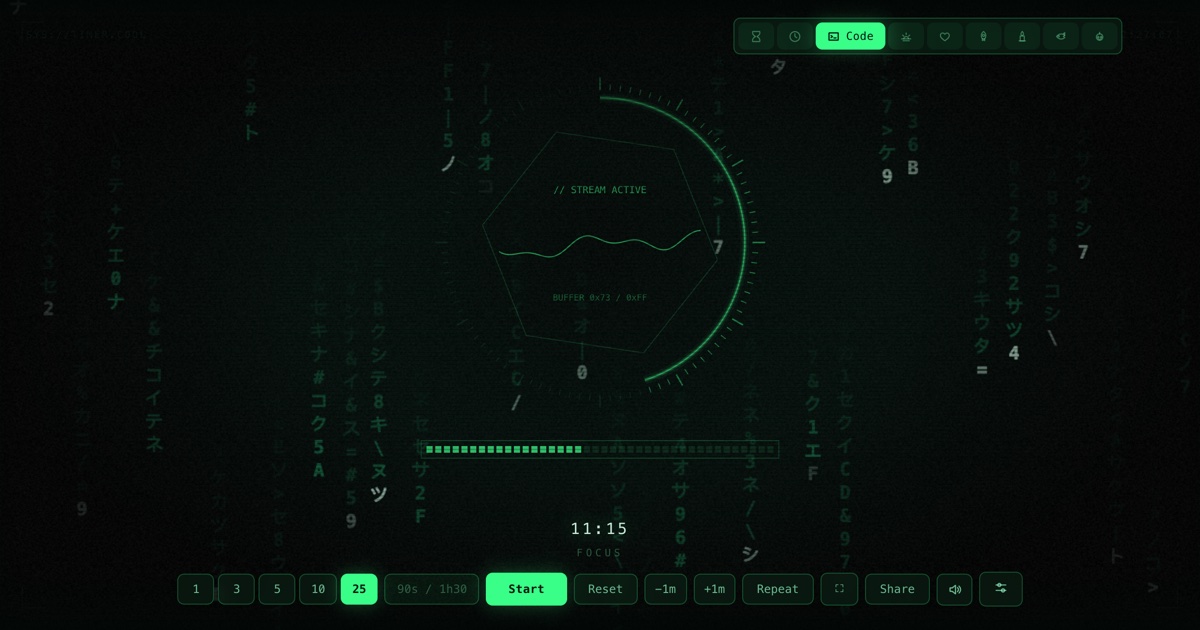
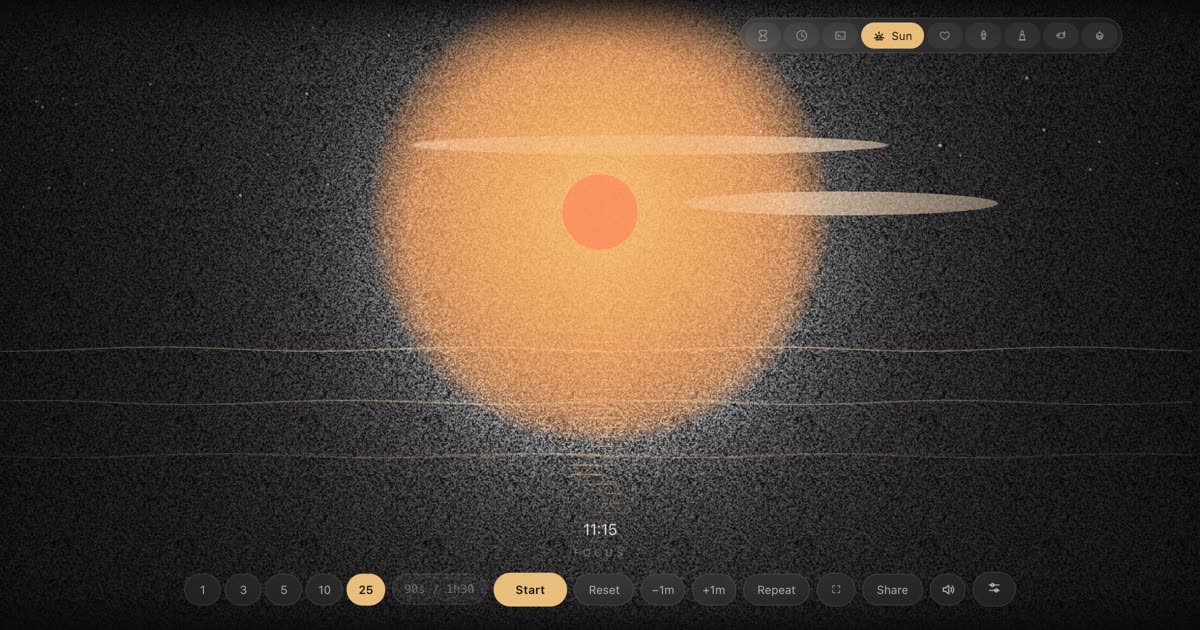
The countdown is the same in every one of them — measured against the real clock, fullscreen-ready, free. What changes is what the room watches while it runs.
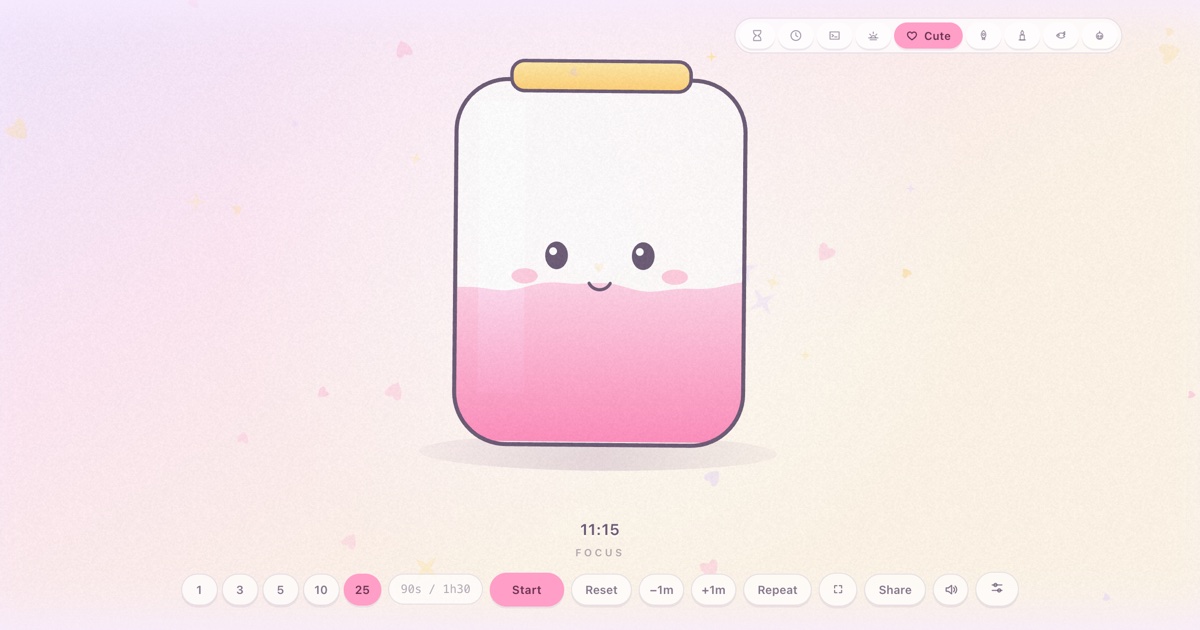
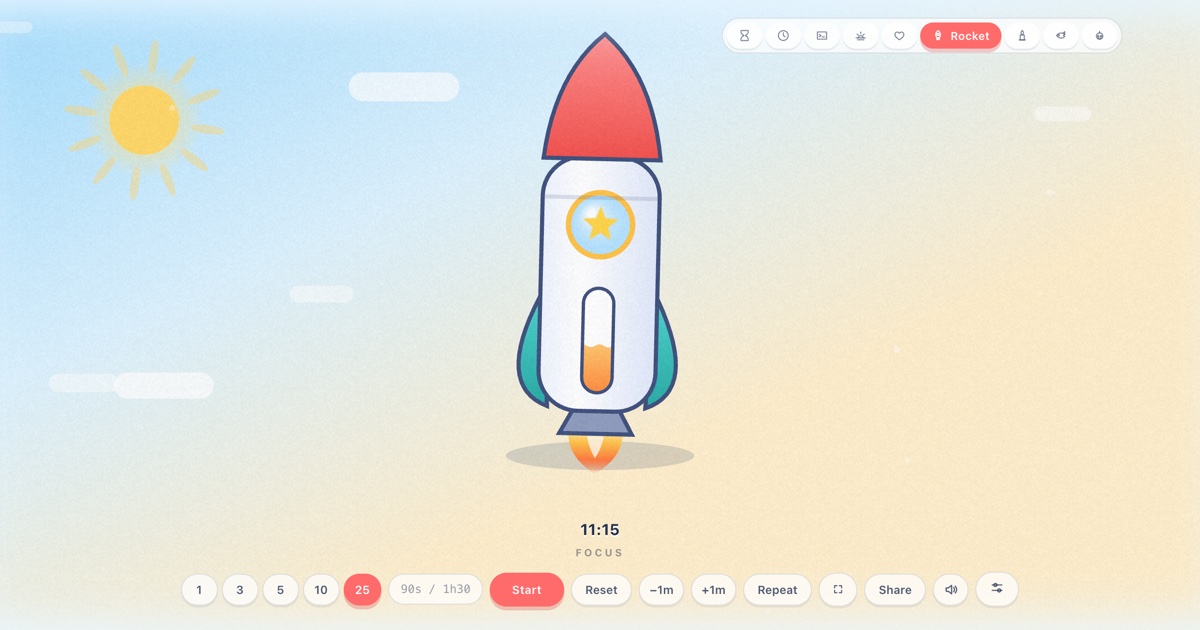
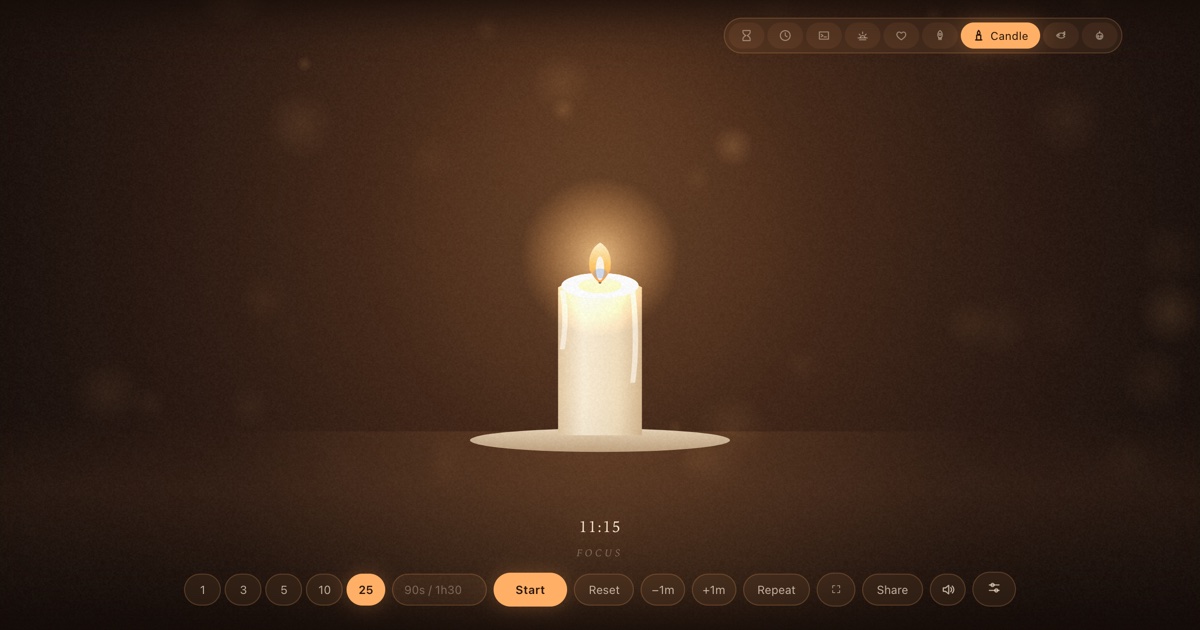
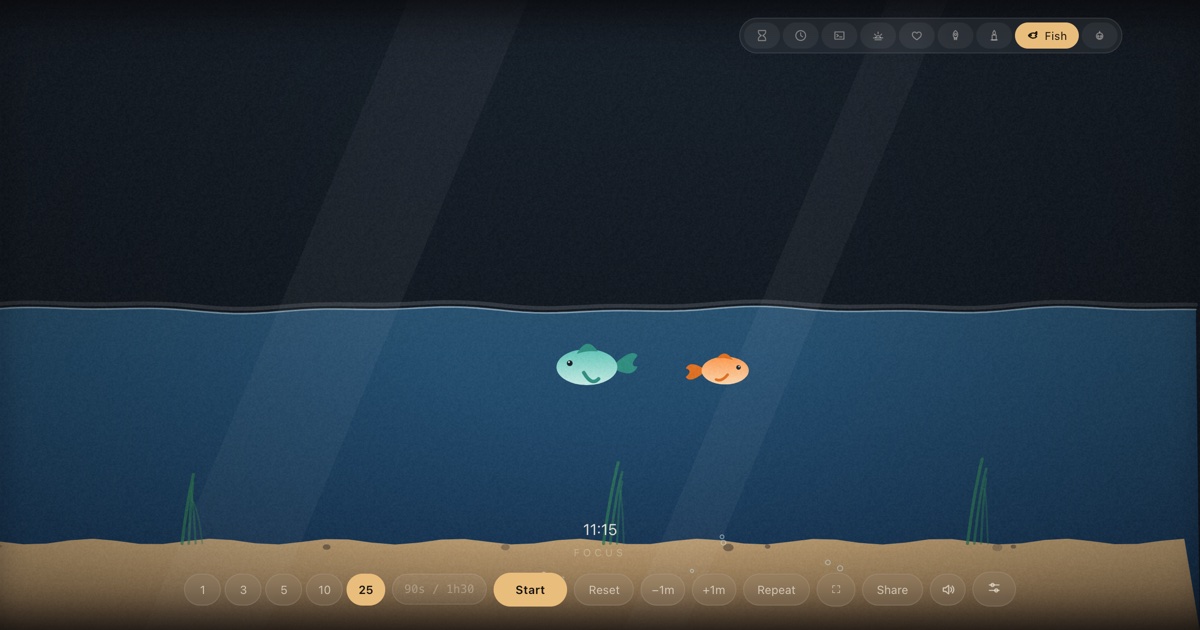
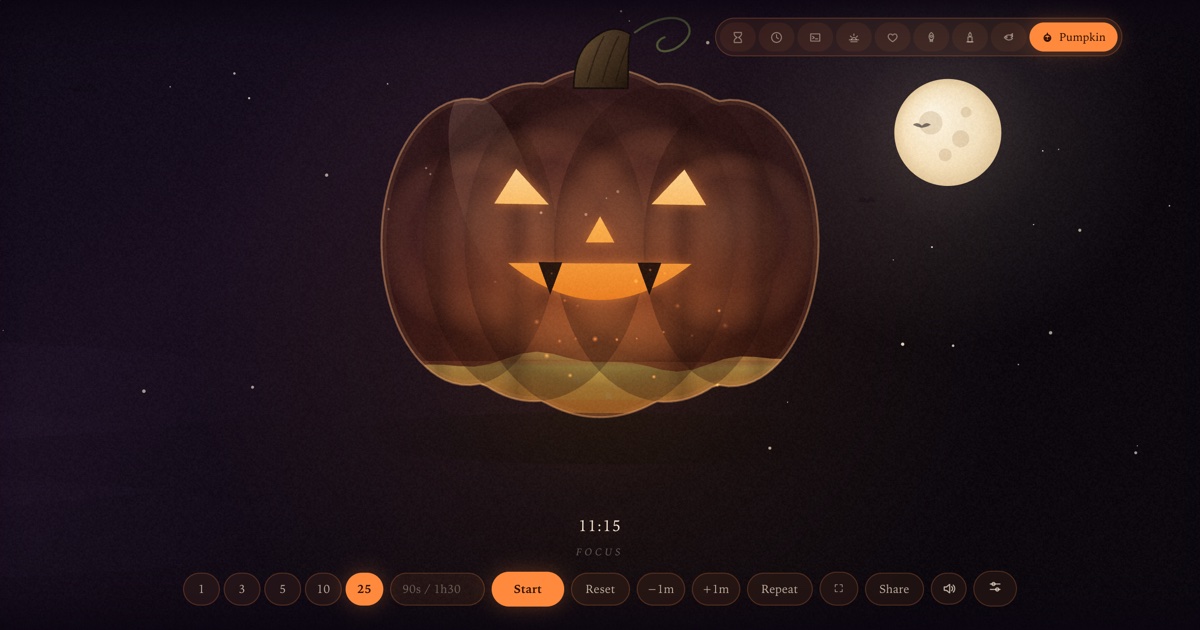
Each skin is drawn live on a canvas — no images, no video — and each one reads time differently: some show numbers, some show a level draining, one of them shows the actual time. The guides below are written by the team that drew them, with original screenshots, the story behind each scene, and every setting documented.
Clock dials
Twelve faces, one style for the whole wall.
What every timer skin shares
The skin changes the mood, never the behaviour. Whichever scene you pick, the same machinery is underneath:
- Presets of 1, 3, 5, 10 and 25 minutes, or type anything —
90s,12m,1h30,12:30. - Fullscreen on
F, reset onR, mute onM, repeat onL,+/−to give or take a minute mid-run. - A finish chime per skin, or bell / digital / wood / alarm from the Sound panel — all synthesized, no audio files.
- Display settings that move and recolour the readout in any skin.
- Shareable links that carry the duration, label and scene options; a wake lock that keeps the screen alive; overtime that counts up honestly.
Deep links work per skin — for example
/?skin=aqua&t=300 opens the aquarium at five minutes. Each guide
lists its own recipes.